Ring Cursor
Try this cursor
Preview Ring Cursor in this sandbox. Hover and click - no extension needed for a test on this page. Download PNG, JPG, or CUR
Move here to see the default cursor
 DefaultMove around the board
 PointerHover a button or link
Description
The Ring cursor set provides a simple yet elegant option for cursor customization. With a sleek ring design that appears as you move your cursor, this set adds a touch of sophistication to your desktop. Featuring smooth animations and responsive movements, this cursor set is enjoyable to use and offers a subtle visual cue to help you stay focused on your tasks. Whether you appreciate minimalist design or prefer a cursor that doesn't distract from your work, the Ring cursor set is an excellent choice. Try it and enjoy the elegance of a subtle yet effective cursor design.
What's included in the package
- Default Cursor
- Pointer (Hand)
How to install a custom cursor pack Ring Cursor
Install the Cursor Space extension for Chrome or Cursor Space for Edge in your browser.
On this page, click "Add this cursor pack to the extension".
Open the extension and go to the Packs tab.
Find the custom cursor pack "Ring cursor" and click it.
Enjoy!
Ready to install?
Get this cursor pack and thousands of others by installing our extension. It's fast and free!
Install for ChromeAbout this cursor pack
Ring Cursor is a themed cursor pack you can add to your browser to personalize your pointer across common cursor states (default and pointer). Use it for everyday browsing, streaming, studying, or gaming-anywhere you want your cursor to match your vibe.
Instant preview
See how the cursors look before installing.
Easy install
Add the pack to the extension in a few clicks.
Works in your browser
Designed for Chrome and Edge via the extension.
FAQ
Quick answers to common questions about cursor packs, collections, and installation.
Do I need an extension?
Yes. To apply cursor packs in Chrome or Edge, install the Cursor Space extension and add this pack to it.
Which browsers are supported?
Cursor packs are designed for Chromium browsers like Chrome and Microsoft Edge.
How do I switch back to the default cursor?
Open the extension, choose another pack or disable the current one to return to your default cursor.
Can I try the cursor before installing?
Yes. Use the Try this cursor section on this page to preview default, pointer, and other states. Add the pack to the extension to use it across the web.
Can I download the cursor files?
Yes. Open Download files on this page for Arrow and Pointer PNG, JPG, and CUR (hotspot included). You can also copy CSS, Roblox, Unity, and Godot snippets.
Popular cursors today
Custom cursor and packs - neon, anime, pixel art. Quickly add to Chrome and Microsoft Edge for free
- Top 1
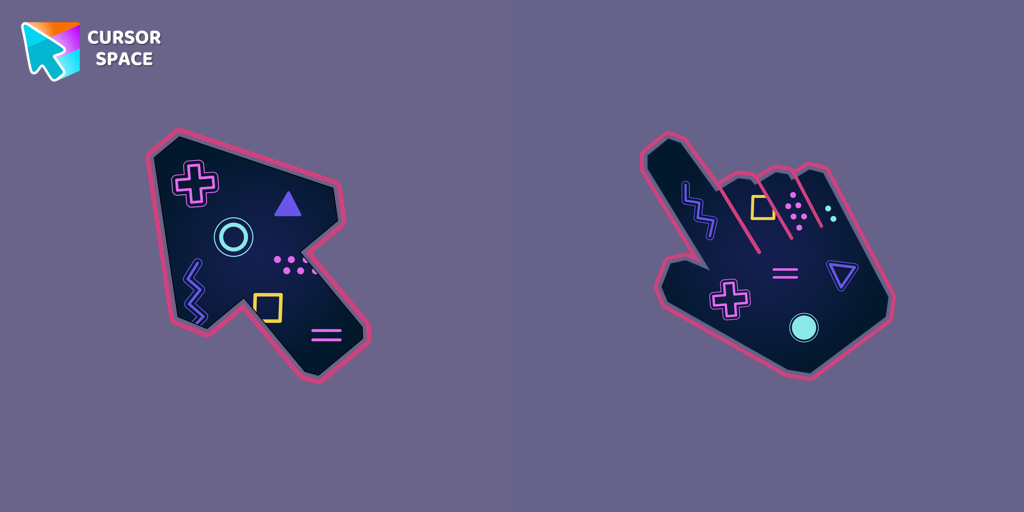 Game cursorDiscover custom cursors for Chrome. From Game to Mechanical, find the perfect design to express your style and elevate your browsing.
 - Top 2
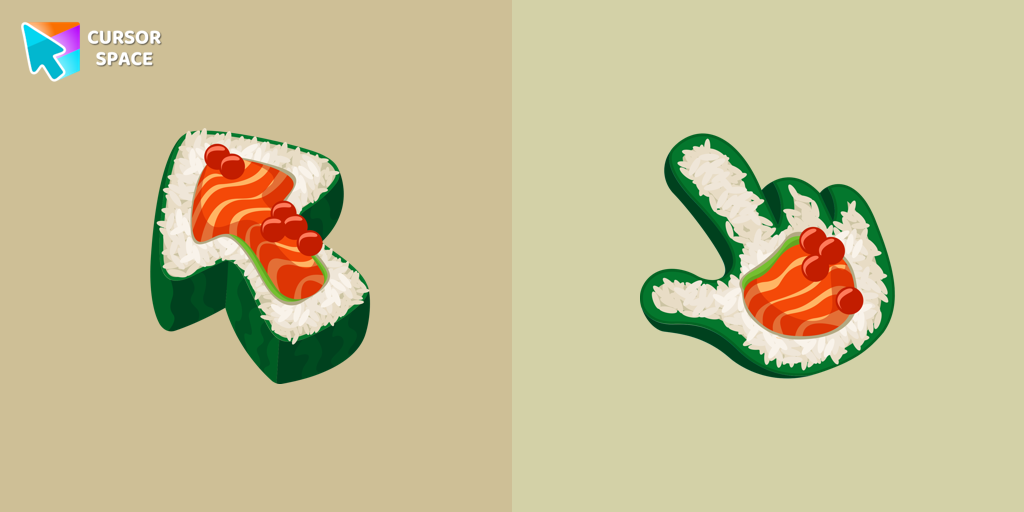 Sushi Texture cursorImmerse yourself in Japanese culinary art with the Sushi Texture custom cursor for Google Chrome and elevate your browsing experience with style.
 - Top 3
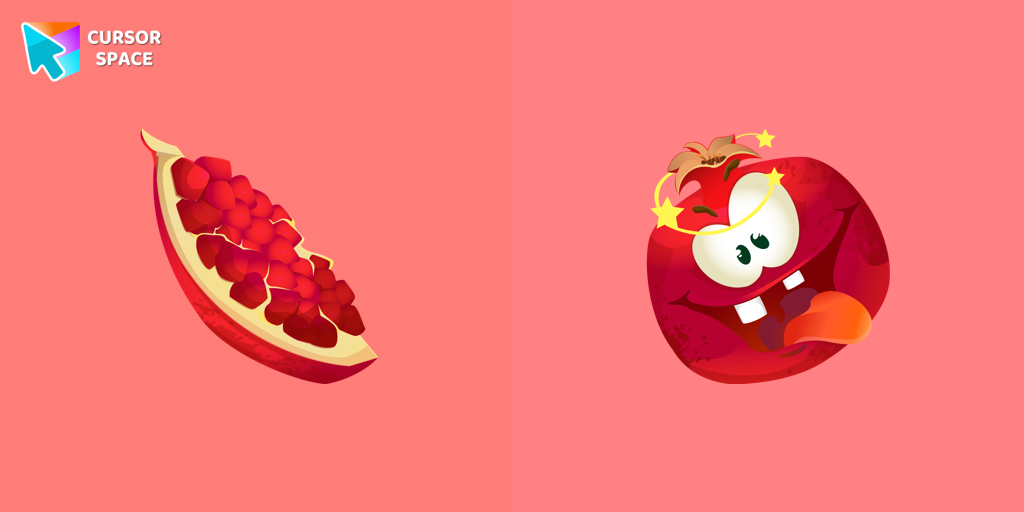 Pomegranate cursorThe excited pomegranate cursor looks very funny in our custom cursor collection with fruits. Add a custom cursor with pomegranate fruit to enjoy its design.
 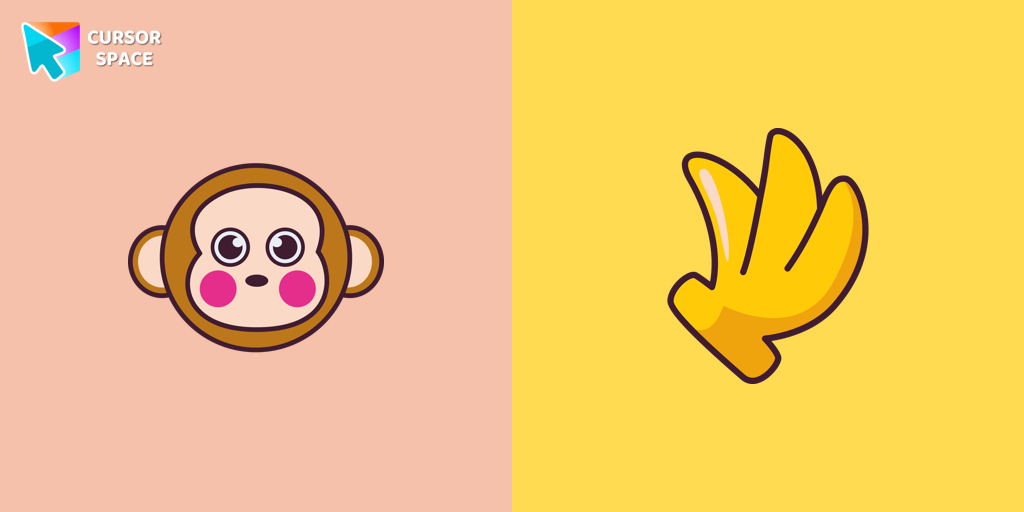 Monkichi cursorAdd a Monkichi cursor from our custom cursors collection for mouse and pointer in Hello Kitty design.
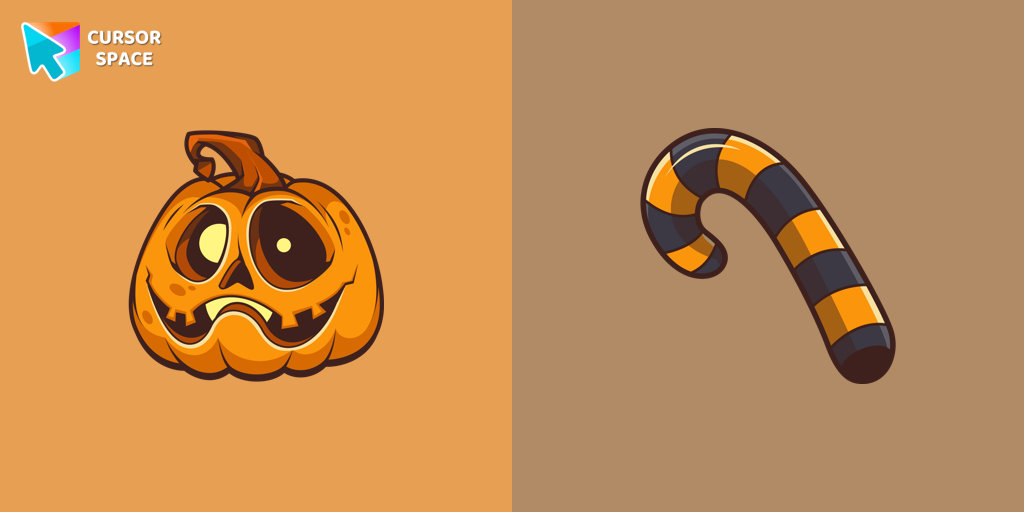 Halloween Pumpkin cursorOur Pumpkin custom cursor was created especially for the chilling holiday season for our Halloween custom cursors collection for Chrome.
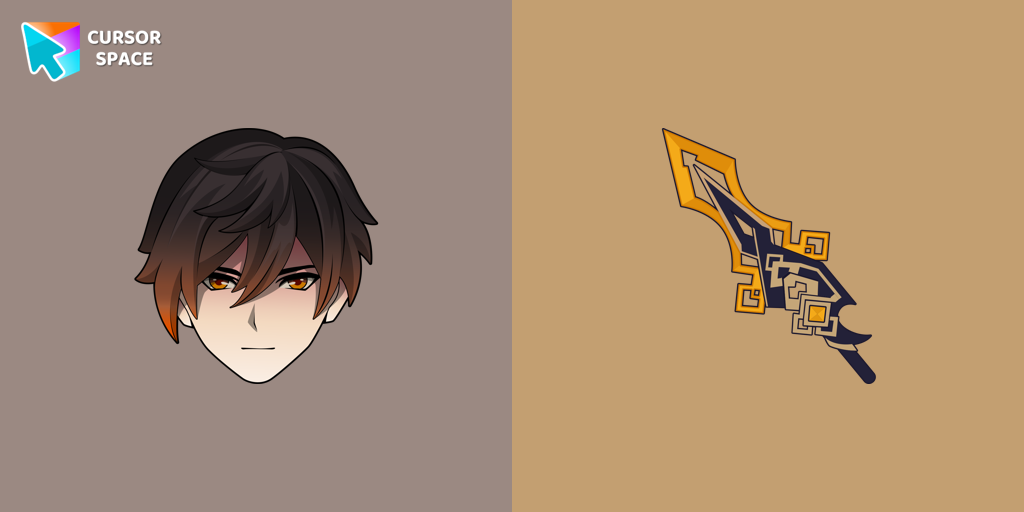 Zhongli cursorWe are glad to present this custom cursor with Zhongli from the adorable custom cursors collection for the mouse and pointer.
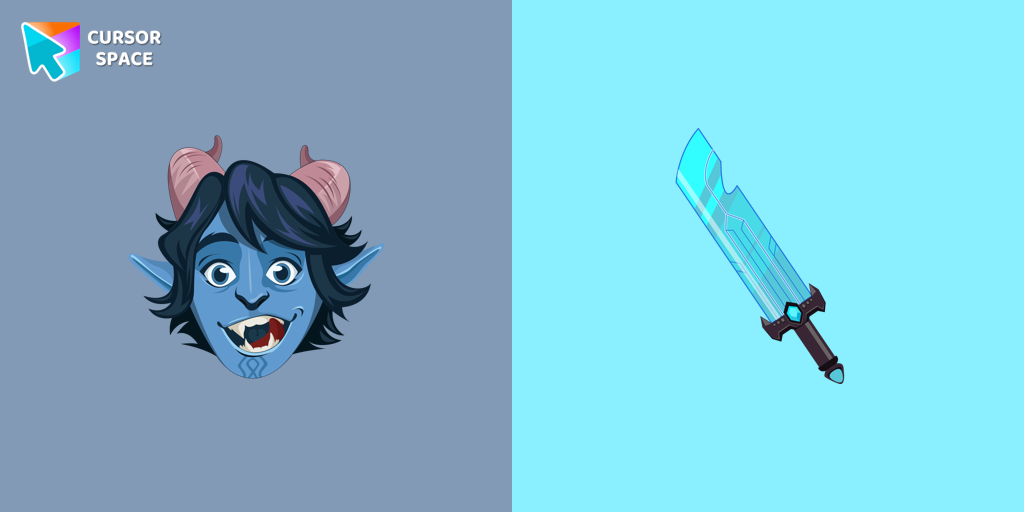 Troll Jim Lake Jr. cursorTroll Jim Lake Jr. custom cursor from our Animation Movies cursors collection for mouse and pointer.
 Toronto Blue Jays cursorShow your team spirit with the Toronto Blue Jays custom cursor for Google Chrome. Choose from Blue Jays-themed designs to personalize your browsing experience.
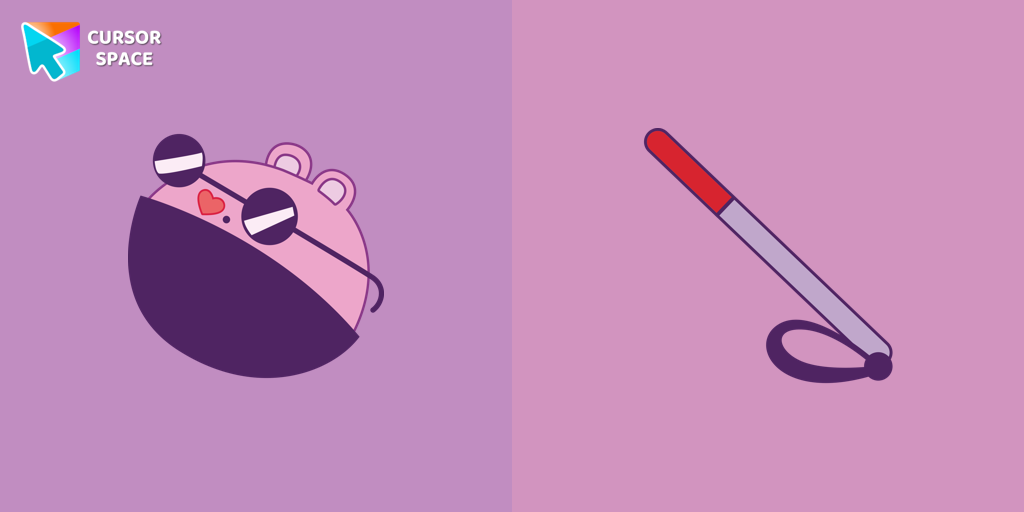 The Mole cursorThe Mole custom cursor for Google Chrome adds a fun and quirky touch to your browsing. Inspired by a small mole, it brings a playful alternative to the default cursor.
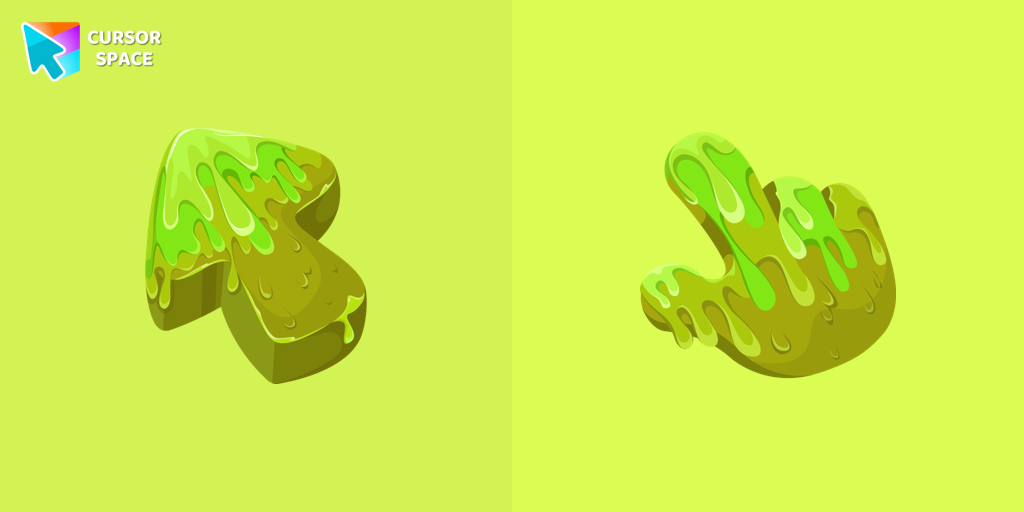 Slime Texture cursorOur collection of custom cursors is excited to introduce the Cute Cursor Bundle, which includes a charming slime cursor and an adorable hover pointer.
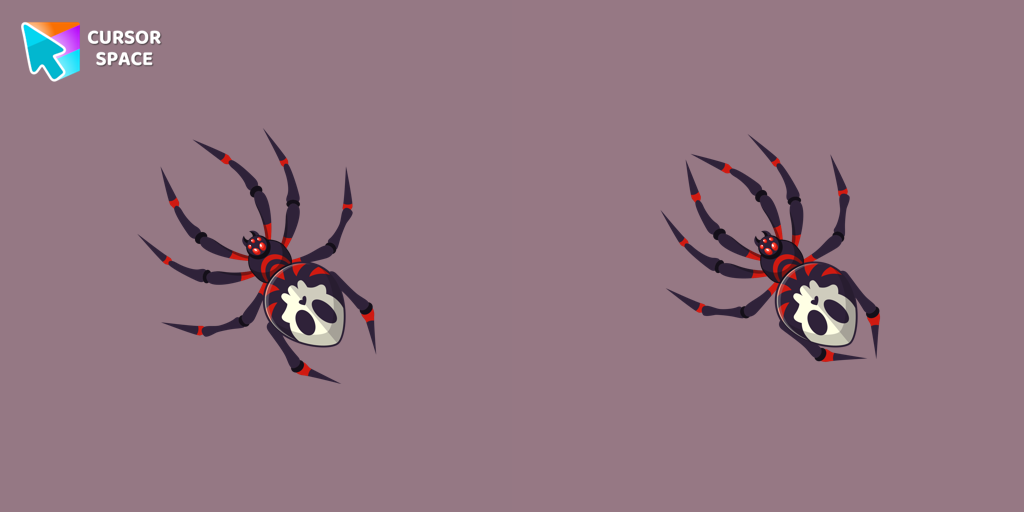 Skull Spider cursorThe Skull Spider custom cursor for the mouse will look pretty spooky on your screen.
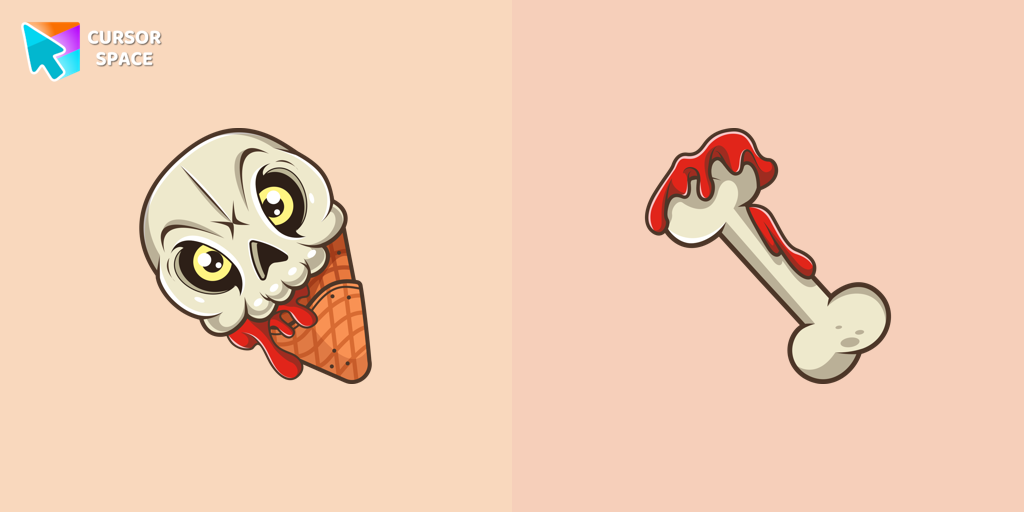 Ice Cream Cone Skull cursorIf you want to change the default cursor to Ice Cream Cone Skull, you are welcome to our collection of cursors for Halloween.
Collection hits
Installation leaders from "The Cursors": free packs, neon/anime/pixel art, quick add to Chrome and Edge.
- Top 1Game cursorDiscover custom cursors for Chrome. From Game to Mechanical, find the perfect design to express your style and elevate your browsing.
- Top 2
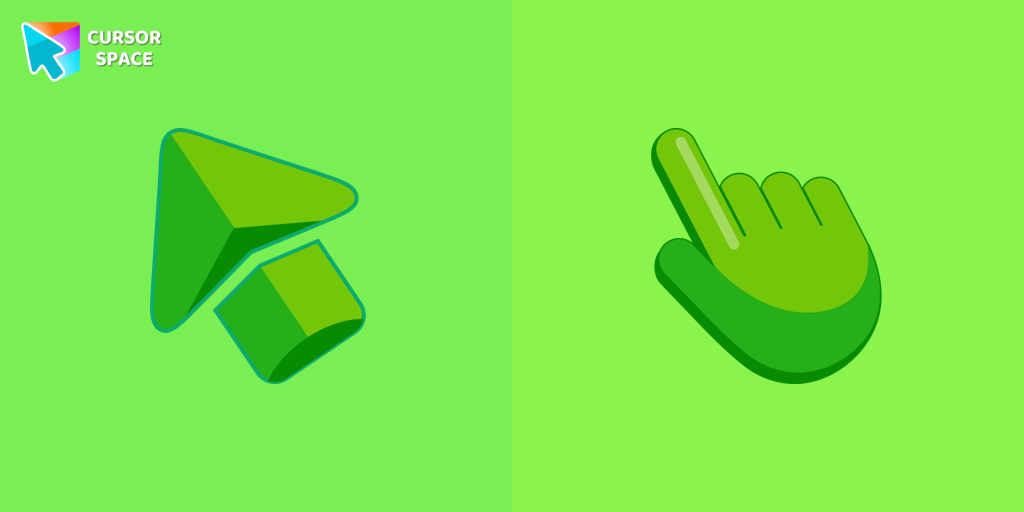 Green cursorEnhance your browsing experience with the charming Green custom cursor, a delightful upgrade that transforms your ordinary pointer with style and playfulness.
 - Top 3
 Sea cursorIntroducing our unique nautical cursor for web navigation! The charming Sea cursor is a great addition to your screen as a mouse pointer.
  Ghost cursorUnleash the fear with The Ghost custom cursor for Chrome. Add a spine-chilling touch to your screen and conquer your Samhainphobia!
 Labyrinth cursorTransform your screen with our unique labyrinth custom cursor, perfect for adding timeless intrigue to your journey.
 Spaceship cursorEmbark on a cosmic adventure with our custom cursor spaceship design—sleek, stylish, and crafted for an extraordinary browsing experience!
 Spinner cursorThe Spinner cursor is a distinctive and visually appealing choice for your mouse cursor, providing an opportunity to set yourself apart from the default cursor.
 Green Amethyst cursorUpgrade your browsing with the Green Amethyst custom cursor! Elegant and unique, it adds a touch of beauty to your screen. Make your pointer shine today!
 Mechanical cursorUpgrade your desktop with the Mechanical custom cursor, a sleek blend of technology and elegance for a futuristic browsing experience.
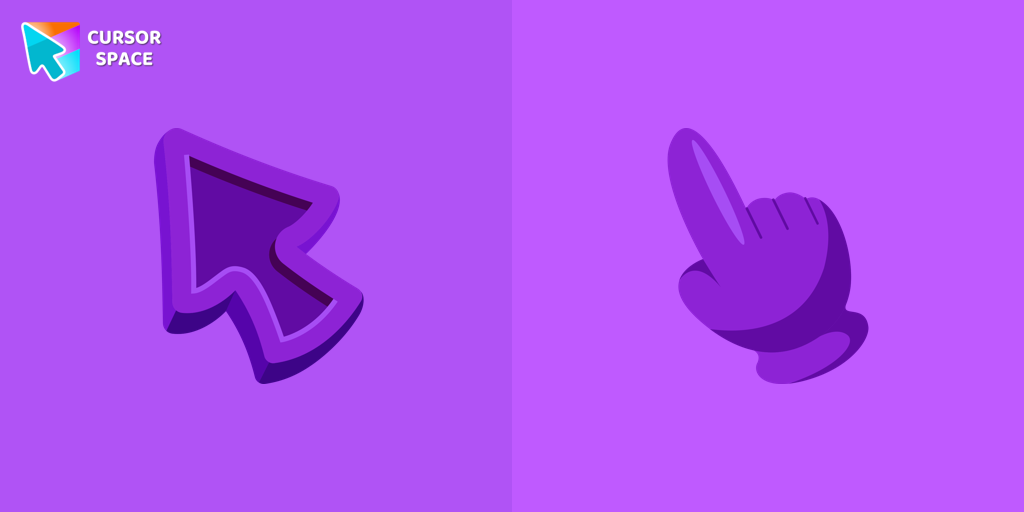 Purple cursorWelcome to our Cursors custom collection for Chrome, featuring a stunning purple cursor to enhance your browsing experience.
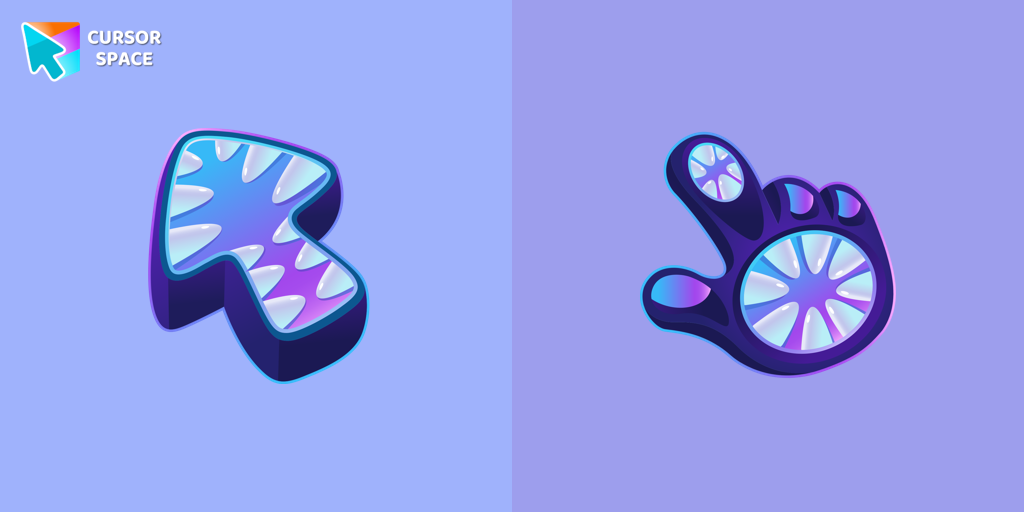 Monster cursorElevate your cursor game with our Monster custom cursor. Discover unique designs for Chrome and stand out with style and creativity.
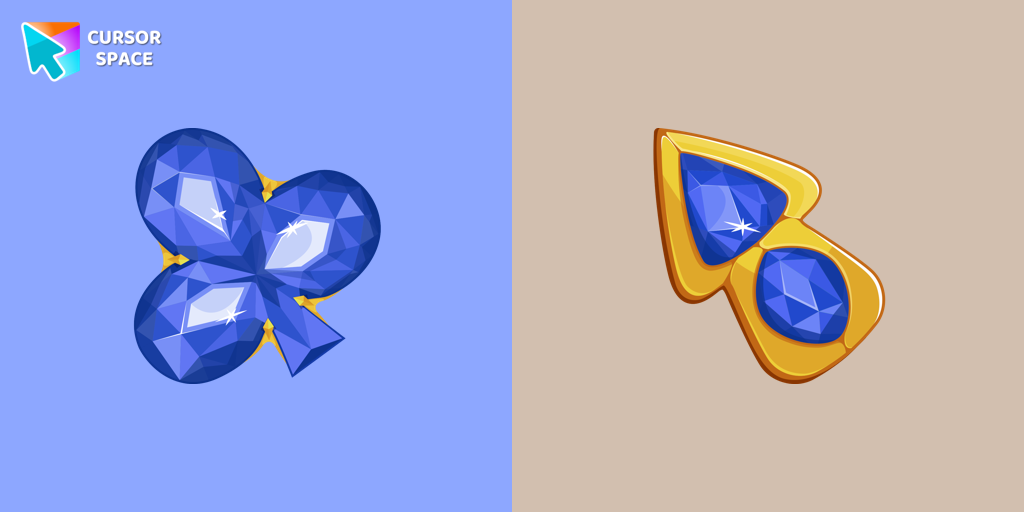 Blue Diamond cursorThis blue cursor is the perfect choice if you're looking to add some charm and interest to your default mouse pointer.
Install Cursor Space - A Collection of Custom Cursors for Chrome & Edge
Add packs instantly and unlock access to thousands of cursors: neon, anime, pixel-art, and more. Fast, safe, and free.
- Free cursor packs
- HD/HiDPI & animated icons
- Quick browser installation
Cursor Space is an extension for changing your mouse cursor in Chrome and Edge browsers: themed collections, HiDPI icons, neon, animated, and pixel cursors, with quick installation.