Undertale Papyrus Cursor
Try this cursor
Preview Undertale Papyrus Cursor in this sandbox. Hover and click - no extension needed for a test on this page. Download PNG, JPG, or CUR
Move here to see the default cursor
 DefaultMove around the board
 PointerHover a button or link
Description
What's included in the package
- Default Cursor
- Pointer (Hand)
How to install a custom cursor pack Undertale Papyrus Cursor
Install the Cursor Space extension for Chrome or Cursor Space for Edge in your browser.
On this page, click "Add this cursor pack to the extension".
Open the extension and go to the Packs tab.
Find the custom cursor pack "Undertale Papyrus cursor" and click it.
Enjoy!
Ready to install?
Get this cursor pack and thousands of others by installing our extension. It's fast and free!
Install for ChromeAbout this cursor pack
Undertale Papyrus Cursor is a themed cursor pack you can add to your browser to personalize your pointer across common cursor states (default and pointer). Use it for everyday browsing, streaming, studying, or gaming-anywhere you want your cursor to match your vibe.
Instant preview
See how the cursors look before installing.
Easy install
Add the pack to the extension in a few clicks.
Works in your browser
Designed for Chrome and Edge via the extension.
FAQ
Quick answers to common questions about cursor packs, collections, and installation.
Do I need an extension?
Yes. To apply cursor packs in Chrome or Edge, install the Cursor Space extension and add this pack to it.
Which browsers are supported?
Cursor packs are designed for Chromium browsers like Chrome and Microsoft Edge.
How do I switch back to the default cursor?
Open the extension, choose another pack or disable the current one to return to your default cursor.
Can I try the cursor before installing?
Yes. Use the Try this cursor section on this page to preview default, pointer, and other states. Add the pack to the extension to use it across the web.
Can I download the cursor files?
Yes. Open Download files on this page for Arrow and Pointer PNG, JPG, and CUR (hotspot included). You can also copy CSS, Roblox, Unity, and Godot snippets.
Popular cursors today
Custom cursor and packs - neon, anime, pixel art. Quickly add to Chrome and Microsoft Edge for free
- Top 1
 Sushi Texture cursorImmerse yourself in Japanese culinary art with the Sushi Texture custom cursor for Google Chrome and elevate your browsing experience with style.
 - Top 2
 Zhongli cursorWe are glad to present this custom cursor with Zhongli from the adorable custom cursors collection for the mouse and pointer.
 - Top 3
 Troll Jim Lake Jr. cursorTroll Jim Lake Jr. custom cursor from our Animation Movies cursors collection for mouse and pointer.
  Toronto Blue Jays cursorShow your team spirit with the Toronto Blue Jays custom cursor for Google Chrome. Choose from Blue Jays-themed designs to personalize your browsing experience.
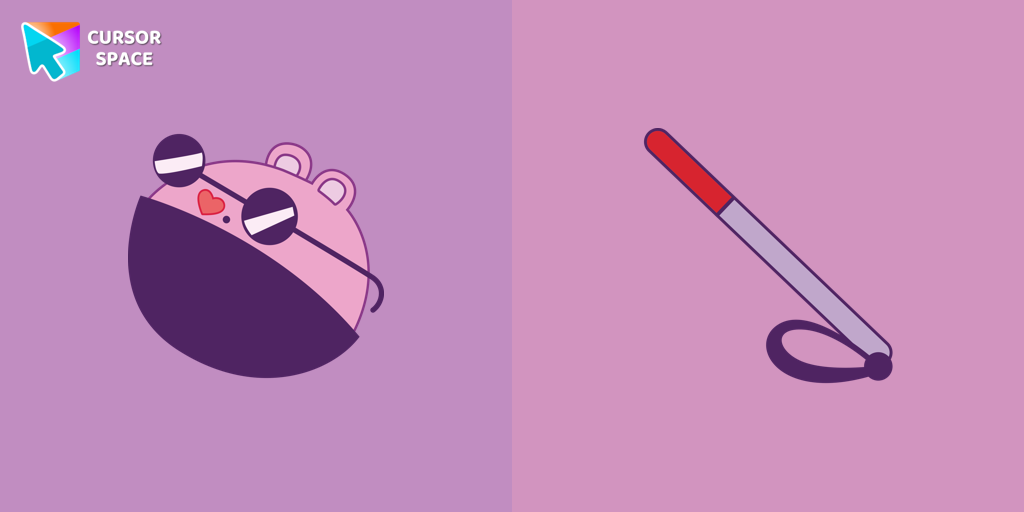 The Mole cursorThe Mole custom cursor for Google Chrome adds a fun and quirky touch to your browsing. Inspired by a small mole, it brings a playful alternative to the default cursor.
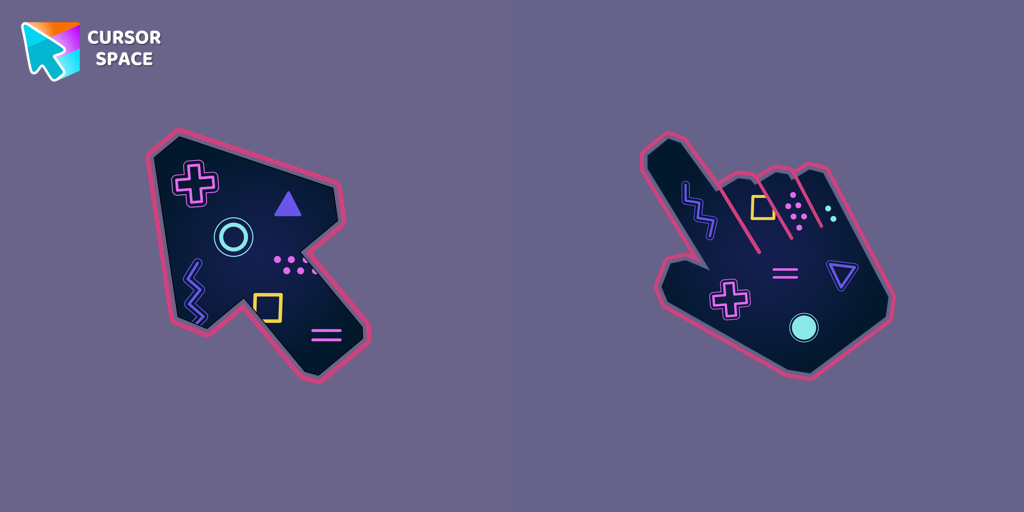 Game cursorDiscover custom cursors for Chrome. From Game to Mechanical, find the perfect design to express your style and elevate your browsing.
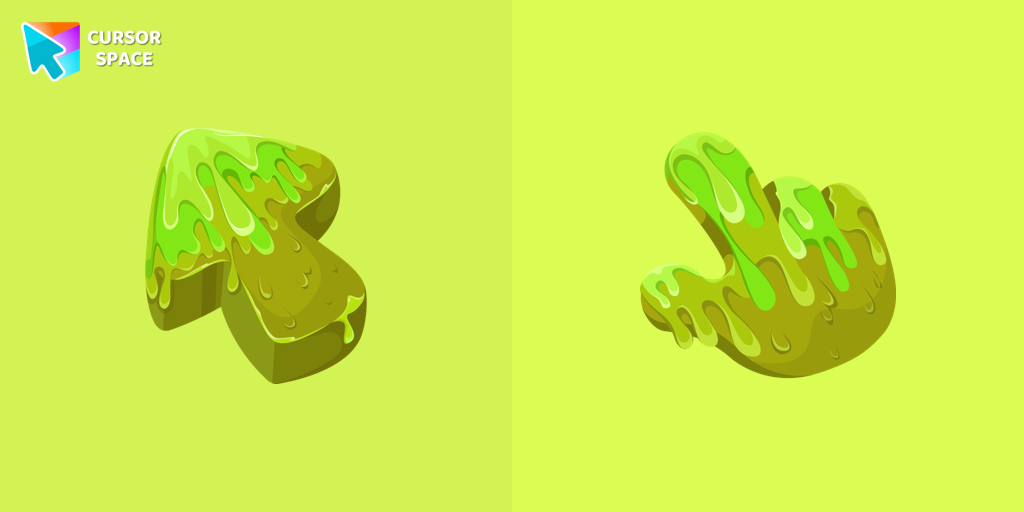 Slime Texture cursorOur collection of custom cursors is excited to introduce the Cute Cursor Bundle, which includes a charming slime cursor and an adorable hover pointer.
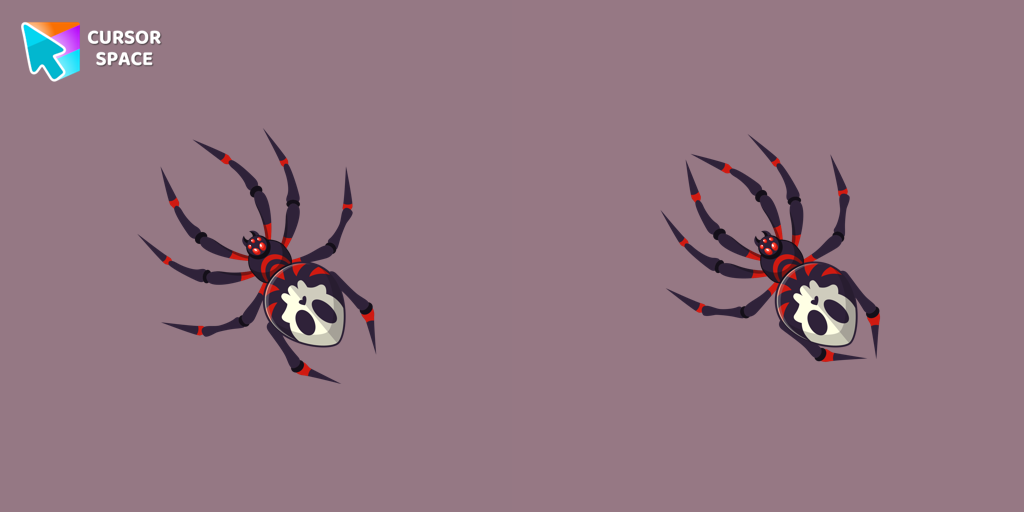 Skull Spider cursorThe Skull Spider custom cursor for the mouse will look pretty spooky on your screen.
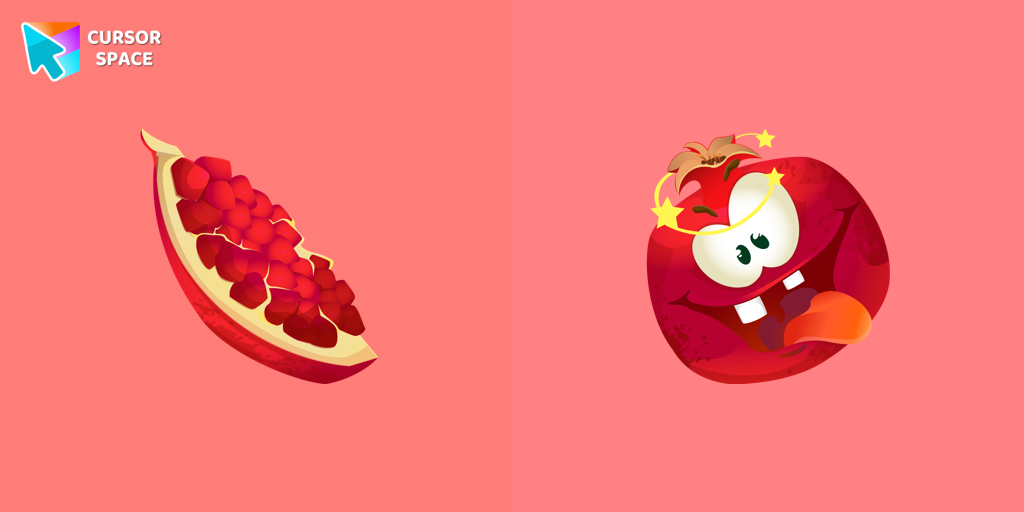 Pomegranate cursorThe excited pomegranate cursor looks very funny in our custom cursor collection with fruits. Add a custom cursor with pomegranate fruit to enjoy its design.
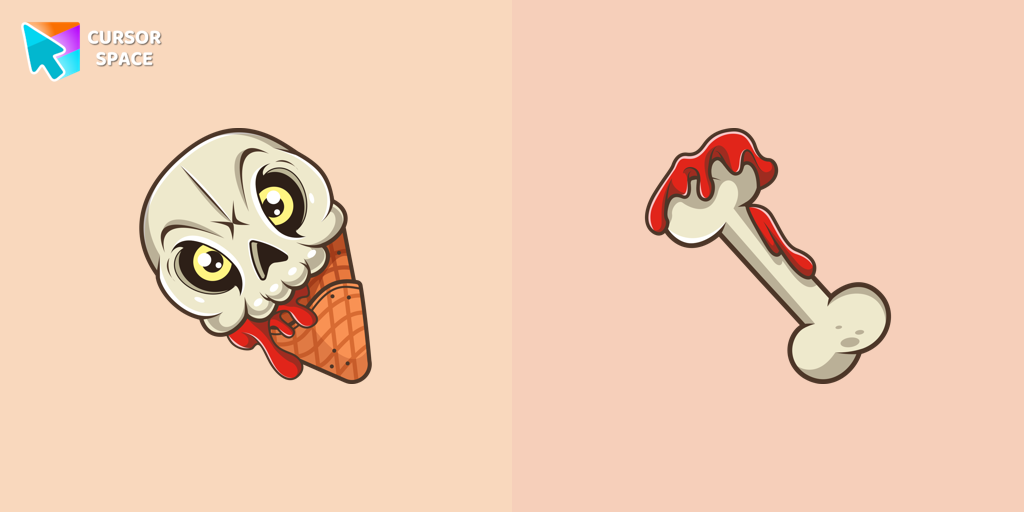 Ice Cream Cone Skull cursorIf you want to change the default cursor to Ice Cream Cone Skull, you are welcome to our collection of cursors for Halloween.
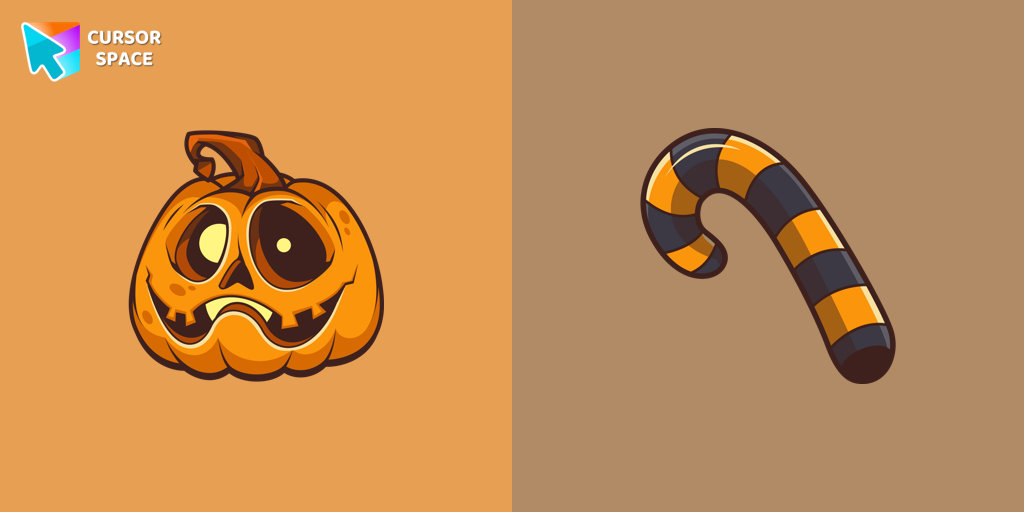 Halloween Pumpkin cursorOur Pumpkin custom cursor was created especially for the chilling holiday season for our Halloween custom cursors collection for Chrome.
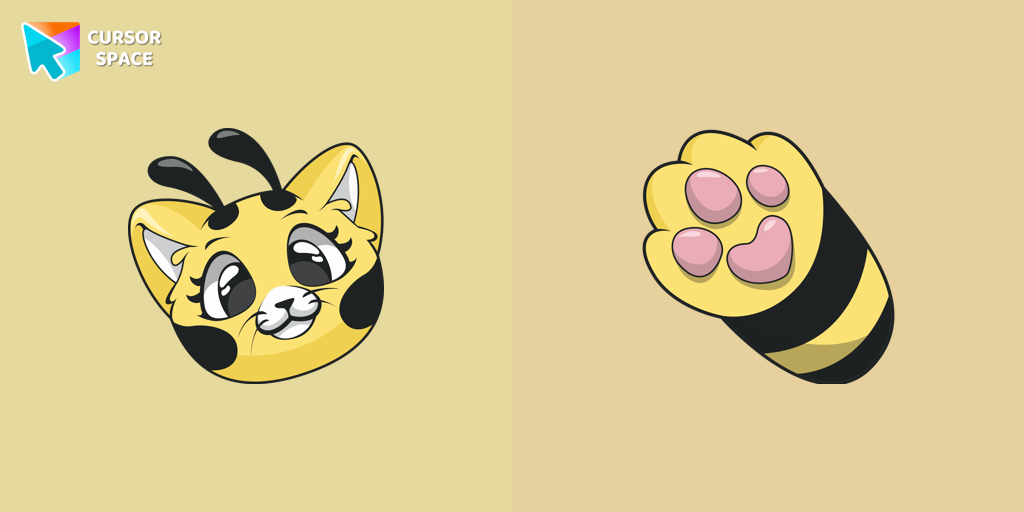 Cat-Bee cursorAdd charm to your screen with the Cat-Bee custom cursor, perfect for cat lovers and fans of quirky designs.
Collection hits
Installation leaders from "Undertale": free packs, neon/anime/pixel art, quick add to Chrome and Edge.
- Top 1
 Deltarune Dark World Lancer cursorThe awesome only custom cursor for mouse and pointer Lancer from our Undertale and Deltarune custom cursors collection for Chrome.
 - Top 2
 Undertale Frisk cursorGet Undertale and Deltarune cursor with Frisk for your browser.
 - Top 3
 Undertale Toriel cursorToriel cursor as a cursor for the mouse and pointer will look pretty nice on your screen.
  Undertale Undyne cursorUndyne, a returning character from Undertale, is a secondary character in Deltarune. Undyne character as a custom cursor for mouse and pointer.
 Undertale Gerson cursorUndertale Gerson cursor for a mouse is a good fan art to decorate your browsing.
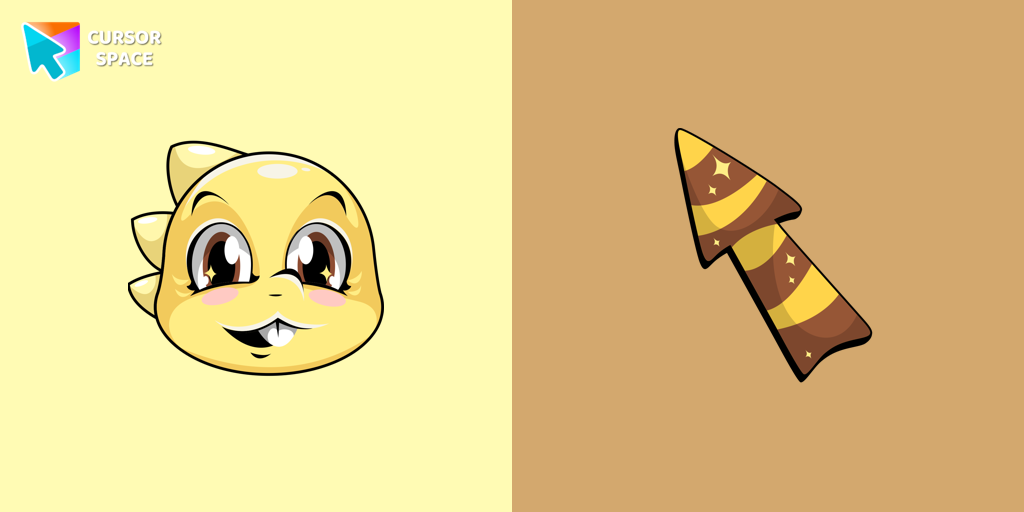 Undertale Monster Kid cursorAdd Monster Kid cursor in the collection of custom cursors with characters from Undertale and Deltarune for the browser.
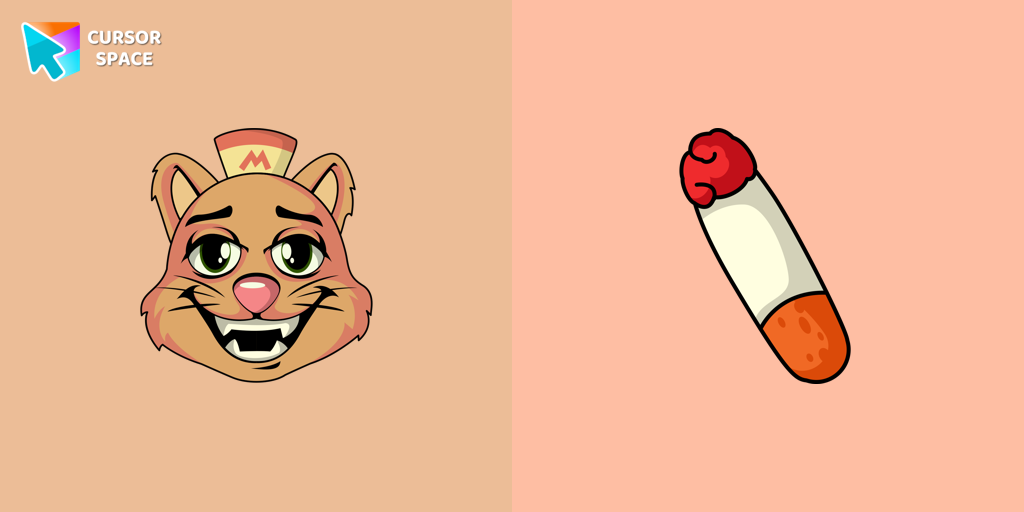 Undertale Burgerpants cursorBurgerpants custom cursor for the mouse is a good fan art in Undertale and Deltarune cursor collection for Chrome.
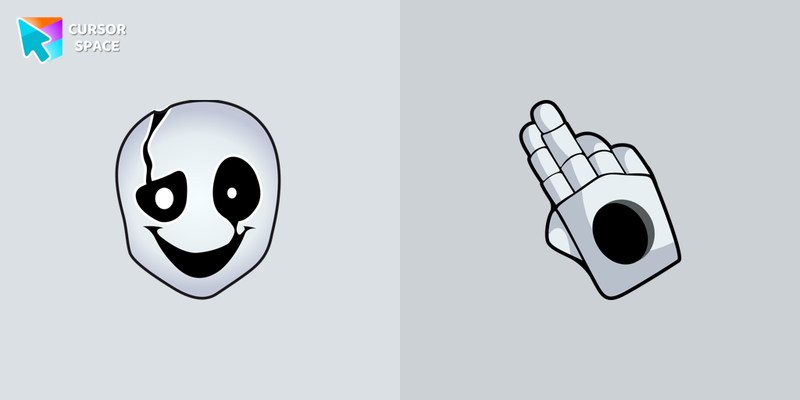 Undertale W. D. Gaster cursorW. D. Gaster cursor from our Undertale and Deltarune custom cursors collection for Chrome gives you the ability of a little graphical interface element.
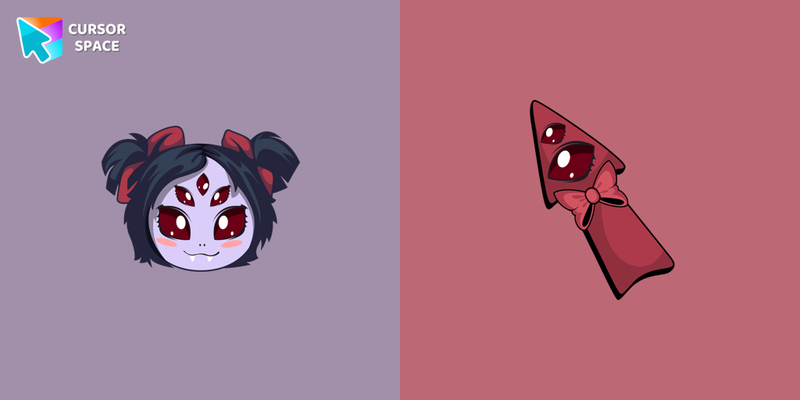 Undertale Muffet cursorNow you can get a cursor with Muffet for your browser.
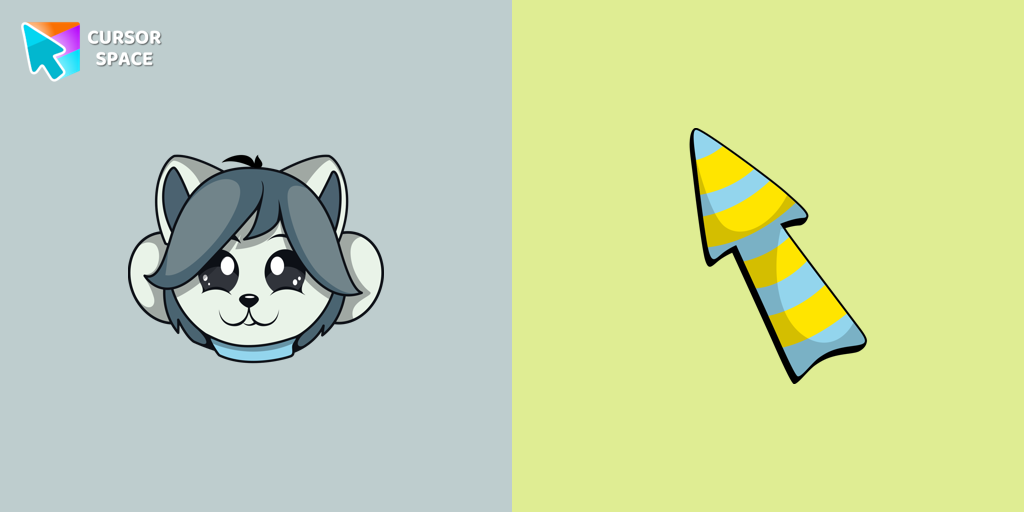 Undertale Temmie cursorTemmie custom cursor for the mouse is a pretty monster in an Undertale and Deltarune cursor collection for Chrome.
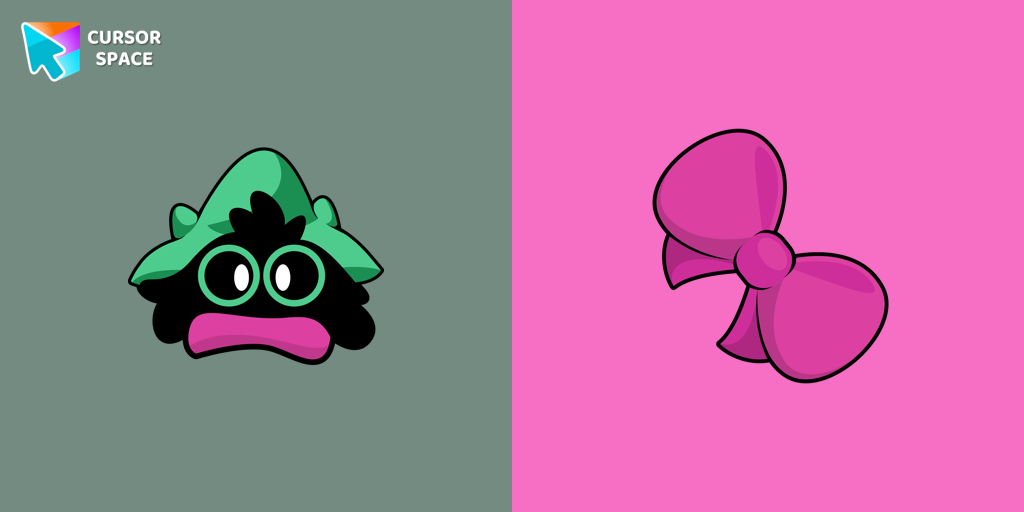 Deltarune Ralsei cursorCustom cursor with Ralsei is a good opportunity to change the usual mouse to the cursors from the Undertale and Deltarune collection for Chrome.
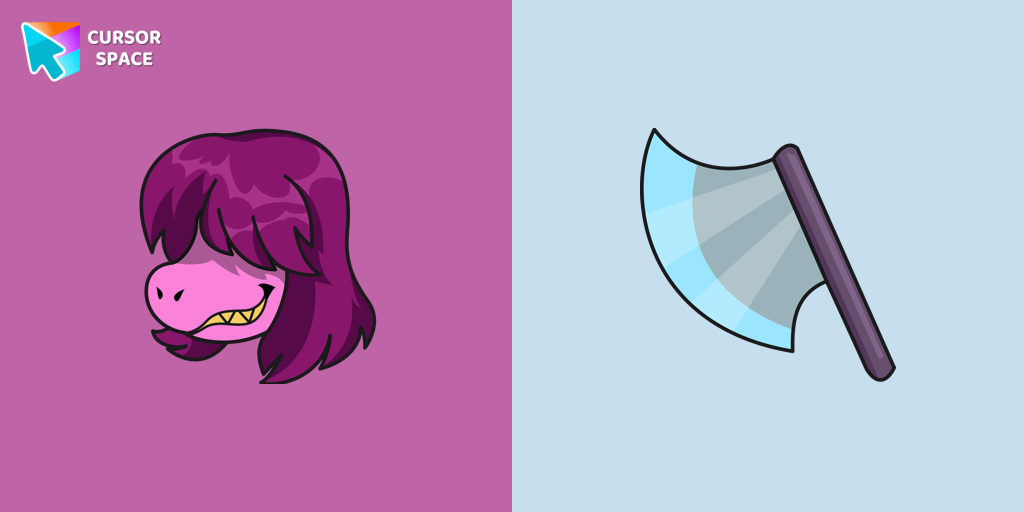 Deltarune Susie cursorSusie custom cursor from our Undertale and Deltarune cursors collection for mouse and pointer.
Install Cursor Space - A Collection of Custom Cursors for Chrome & Edge
Add packs instantly and unlock access to thousands of cursors: neon, anime, pixel-art, and more. Fast, safe, and free.
- Free cursor packs
- HD/HiDPI & animated icons
- Quick browser installation
Cursor Space is an extension for changing your mouse cursor in Chrome and Edge browsers: themed collections, HiDPI icons, neon, animated, and pixel cursors, with quick installation.